
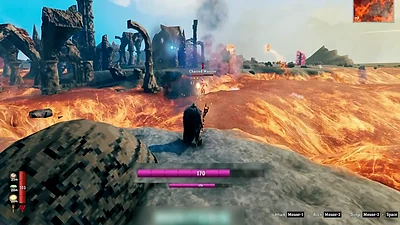
How to Read Valheim Gameplay Screenshots
Identify visible HUD, radar and marker elements without treating a screenshot as proof of current support.
A gameplay screenshot can help readers recognize a scope view, minimap, unit labels or an overlay layout. It captures a single moment and does not establish that the same feature set is available in the current product.
Separate game HUD from product claims
Some details belong to the standard game interface; others may be added by a product. Compare a visible label with the current feature description and avoid assuming that a picture alone confirms how it works.
Use current details for decisions
For live compatibility, availability, price and terms, check the linked seller listing. Related explainers cover radar types and ESP markers.